Φωτογραφήσαμε το παιδί σας στο σχολείο και οι φωτογραφίες είναι πλέον έτοιμες. Αυτός ο σύντομος οδηγός θα σας δείξει πώς να τις βρείτε, να επιλέξετε τις αγαπημένες σας και να παραγγείλετε εκτυπώσεις ή προϊόντα με απλό και ασφαλή τρόπο.
We photographed your child at school and the photographs are now ready. This short guide will show you how to find them, choose your favourites, and order prints or products in a simple and secure way.
Ακολουθήστε τα παρακάτω βήματα. Η διαδικασία διαρκεί περίπου πέντε λεπτά.
Follow the steps below. The process takes about five minutes.
Πριν ξεκινήσετε, παρακαλούμε προσέξτε τα εξής
Before you start, please note the following
- 1 Επιλέξτε το σωστό σχολείο από τη λίστα Select the correct school from the list
- 2 Γράψτε το όνομα και επώνυμο του παιδιού σας, όχι το δικό σας Enter your child's name and surname, not yours
- 3 Γράψτε την τάξη του παιδιού σας με ακρίβεια Enter your child's class exactly
- 4 Η selfie πρέπει να είναι του παιδιού σας, όχι δική σας The selfie must be of your child, not yourself
Αυτές οι πληροφορίες μας βοηθούν να ετοιμάσουμε και να παραδώσουμε σωστά τον φάκελο του παιδιού σας. Αν χρειαστείτε βοήθεια, είμαστε στη διάθεσή σας.
These details help us prepare and deliver your child's envelope correctly. If you need any help, we are here for you.
Πώς λειτουργεί How it works
Ανοίξτε τη γκαλερί
Open the Gallery
Πατήστε τον παρακάτω σύνδεσμο. Θα δείτε λίστα με σχολεία. Βεβαιωθείτε ότι επιλέγετε το σωστό σχολείο και στη συνέχεια βρείτε την τάξη του παιδιού σας.
Tap the link below. You will see a list of schools. Please make sure you select the correct school, then find your child's class.
Δημιουργήστε λογαριασμό
Create Your Account
Θα σας ζητηθεί email και όνομα. Παρακαλούμε χρησιμοποιήστε τα στοιχεία του παιδιού σας, ώστε ο φάκελος να ετοιμαστεί σωστά.
You will be asked for an email and a name. Please use your child's details so the envelope can be prepared correctly.
Οι πληροφορίες αυτές εμφανίζονται στον φάκελο με τις φωτογραφίες και μας βοηθούν να παραδώσουμε κάθε παραγγελία στη σωστή οικογένεια.
These details appear on the envelope with the photographs and help us deliver each order to the correct family.
Τραβήξτε selfie του παιδιού σας
Take a Selfie of Your Child
Η γκαλερί θα σας ζητήσει να τραβήξετε ζωντανή φωτογραφία του προσώπου του παιδιού σας. Το σύστημα τη χρησιμοποιεί για να εντοπίσει αυτόματα τις φωτογραφίες του παιδιού σας.
The gallery will ask you to take a live photo of your child's face. The system uses it to automatically find your child's photographs.
- Η φωτογραφία πρέπει να είναι του παιδιού, όχι του γονέα.
- Πρέπει να τραβηχτεί εκείνη τη στιγμή μέσα από τη γκαλερί.
- Δεν μπορείτε να ανεβάσετε αποθηκευμένη φωτογραφία.
- Προτιμήστε καλό φωτισμό και καθαρό πρόσωπο προς την κάμερα.
- Αποφύγετε γυαλιά, καπέλα ή οτιδήποτε καλύπτει το πρόσωπο.
- The photo must be of the child, not the parent.
- It must be taken live inside the gallery at that moment.
- You cannot upload a saved photograph.
- Use good light and have the child look clearly towards the camera.
- Avoid glasses, hats, or anything covering the face.
Παραγγείλετε εκτυπώσεις και προϊόντα
Order Prints and Products
Πατήστε «Αγορά» κάτω από οποιαδήποτε φωτογραφία ή «Κατάστημα» στην κορυφή για να δείτε όλα τα διαθέσιμα προϊόντα.
Tap "Buy" below any photo or "Shop" at the top to see all available products.
Η ψηφιακή λήψη είναι μόνο ψηφιακό αρχείο. Δεν περιλαμβάνει εκτύπωση. Εάν θέλετε φυσική εκτύπωση, μπορείτε να την παραγγείλετε ξεχωριστά μέσα από τη γκαλερί.
A digital download is a digital file only. It does not include a print. If you would like a physical print, you can order it separately inside the gallery.
Η φωτογραφία τάξης είναι σε αναλογία 20×30. Αν επιλέξετε εκτύπωση 15×20, θα εμφανιστούν λευκές λωρίδες πάνω και κάτω λόγω αναλογίας. Προτείνουμε έντονα την επιλογή 20×30 ώστε να φαίνονται σωστά και καθαρά όλα τα παιδιά.
The class photo is in a 20×30 ratio. If you choose a 15×20 print, white bars will appear at the top and bottom due to the aspect ratio. We strongly recommend selecting 20×30 for the best and clearest result.
Ολοκλήρωση αγοράς και πληρωμή
Checkout and Pay
Η παραγγελία σας θα σταλεί στο σχολείο. Για διεύθυνση χρέωσης μπορείτε να χρησιμοποιήσετε τη διεύθυνση σπιτιού ή σχολείου. Αυτό δεν επηρεάζει την παράδοση.
Your order will be sent to the school. For the billing address you can use your home or school address. This does not affect delivery.
Ελέγξτε την ημερομηνία λήξης μέσα στη γκαλερί. Μετά το κλείσιμο της γκαλερί, δεν θα είναι δυνατές νέες παραγγελίες.
Check the closing date inside your gallery. After the gallery closes, new orders will no longer be available.
Επιλέξτε τις εικόνες που νιώθετε ότι αξίζει να κρατήσετε. Με τα χρόνια, αυτές οι μικρές στιγμές αποκτούν ακόμη μεγαλύτερη αξία.
Choose the images you feel are worth keeping. With time, these small moments become even more meaningful.
Μεγαλώνουν πιο γρήγορα απ' ό,τι περιμένετε.
They grow faster than you expect.
Σε ένα χρόνο θα έχει ήδη αλλάξει. Οι φωτογραφίες δεν είναι απλώς χαρτί ή αρχείο. Είναι ένας ήσυχος τρόπος να κρατήσετε κοντά σας αυτό που σήμερα μοιάζει καθημερινό και αύριο θα είναι ανάμνηση.
A year from now, they will already be different. Photographs are not just paper or files. They are a quiet way of keeping close what feels ordinary today and becomes a memory tomorrow.
Valentinos
& Angela
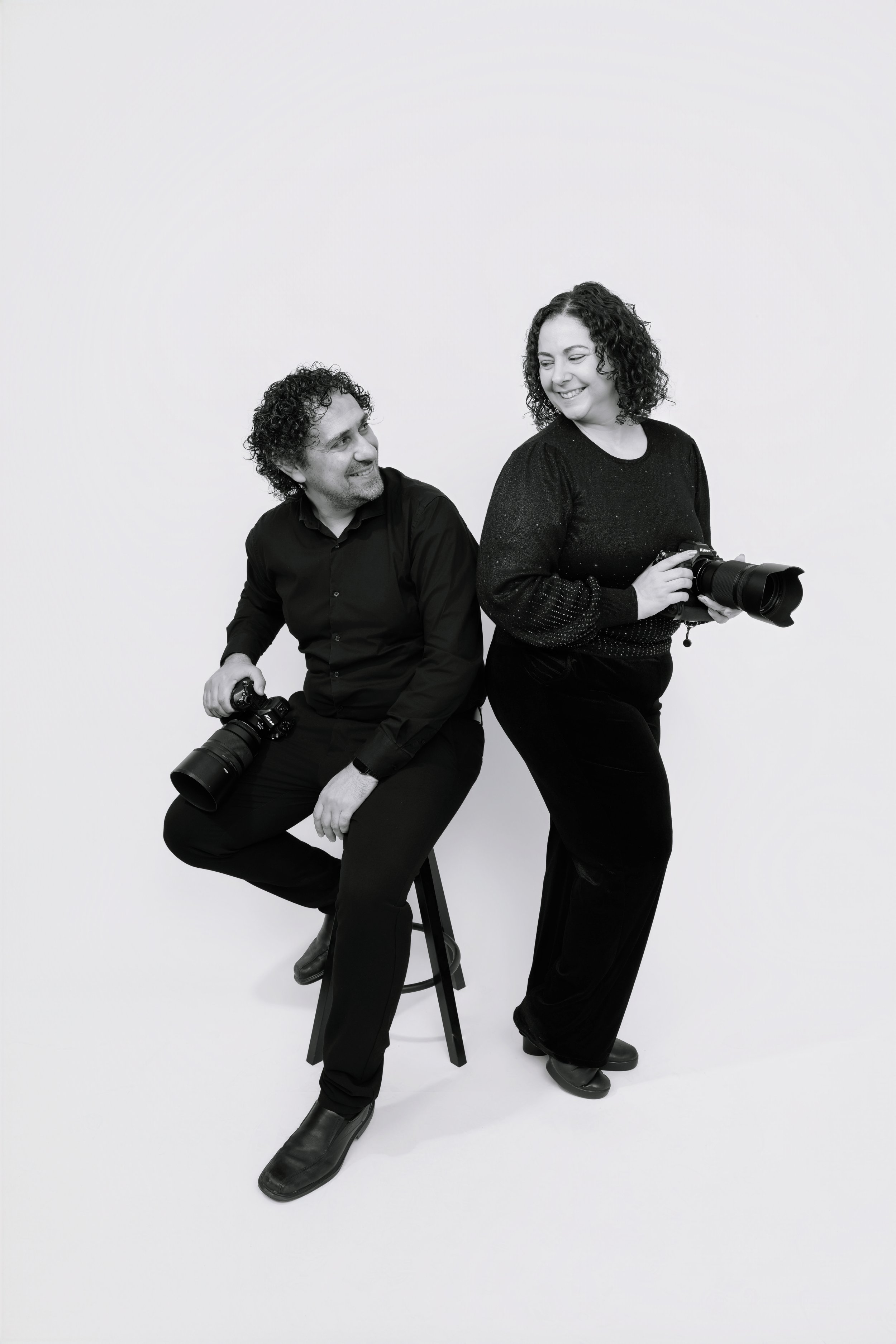
Είμαστε ζευγάρι δημιουργών με έδρα την Κύπρο. Ο Βαλεντίνος αναλαμβάνει τη φωτογραφία, ενώ η Άγγελα στηρίζει την εμπειρία του στούντιο και επιλεγμένες κινηματογραφικές παραγωγές.
We are a husband and wife creative team based in Cyprus. Valentinos leads the photography, while Angela supports the studio experience and selected cinematography work.
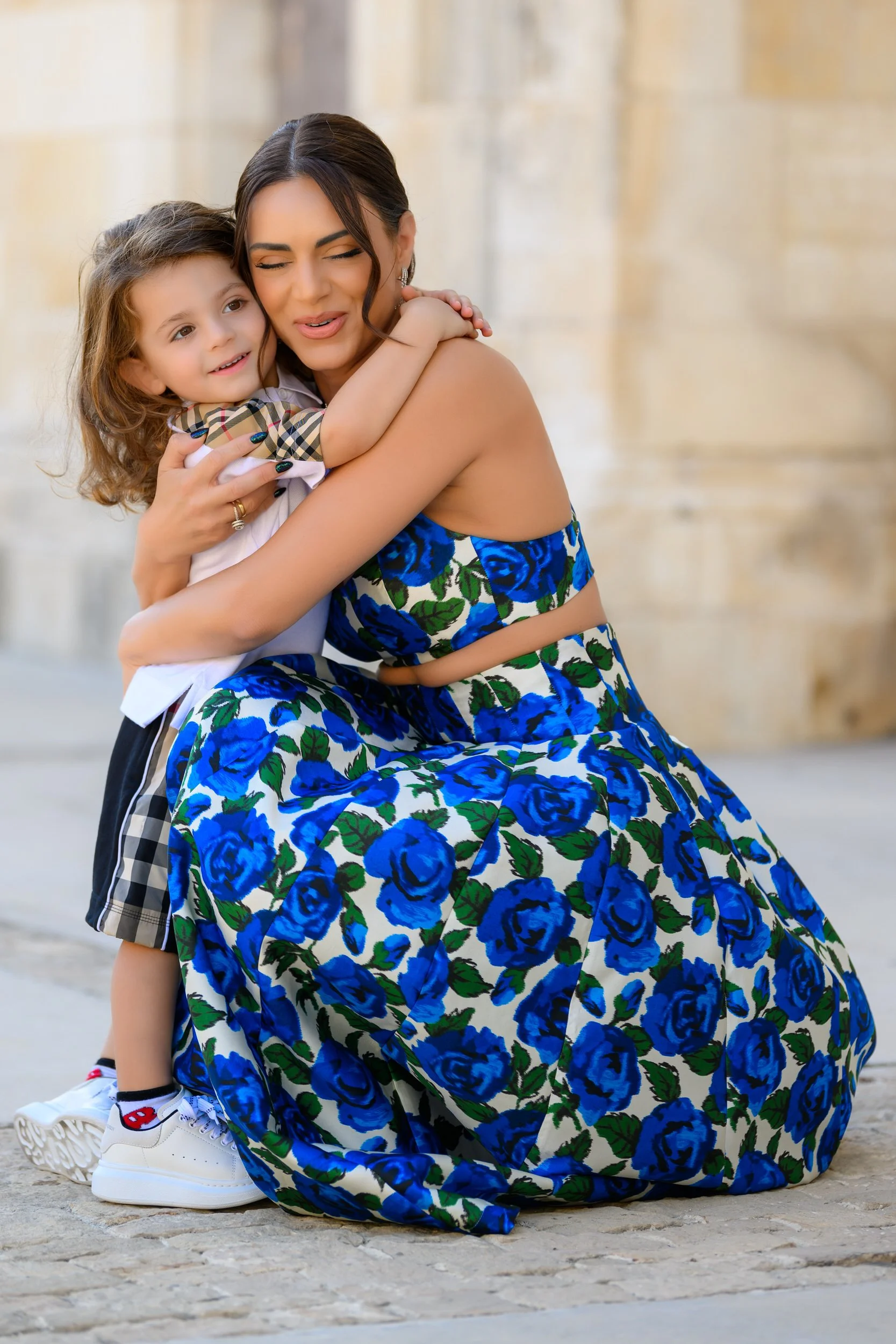
Κάθε σχολική φωτογράφηση την αντιμετωπίζουμε με ηρεμία, φροντίδα και προσοχή, γιατί κάθε παιδί αξίζει να φωτογραφηθεί με σεβασμό και ευγένεια.
Every school photography session is approached with calmness, care, and attention, because every child deserves to be photographed with respect and kindness.
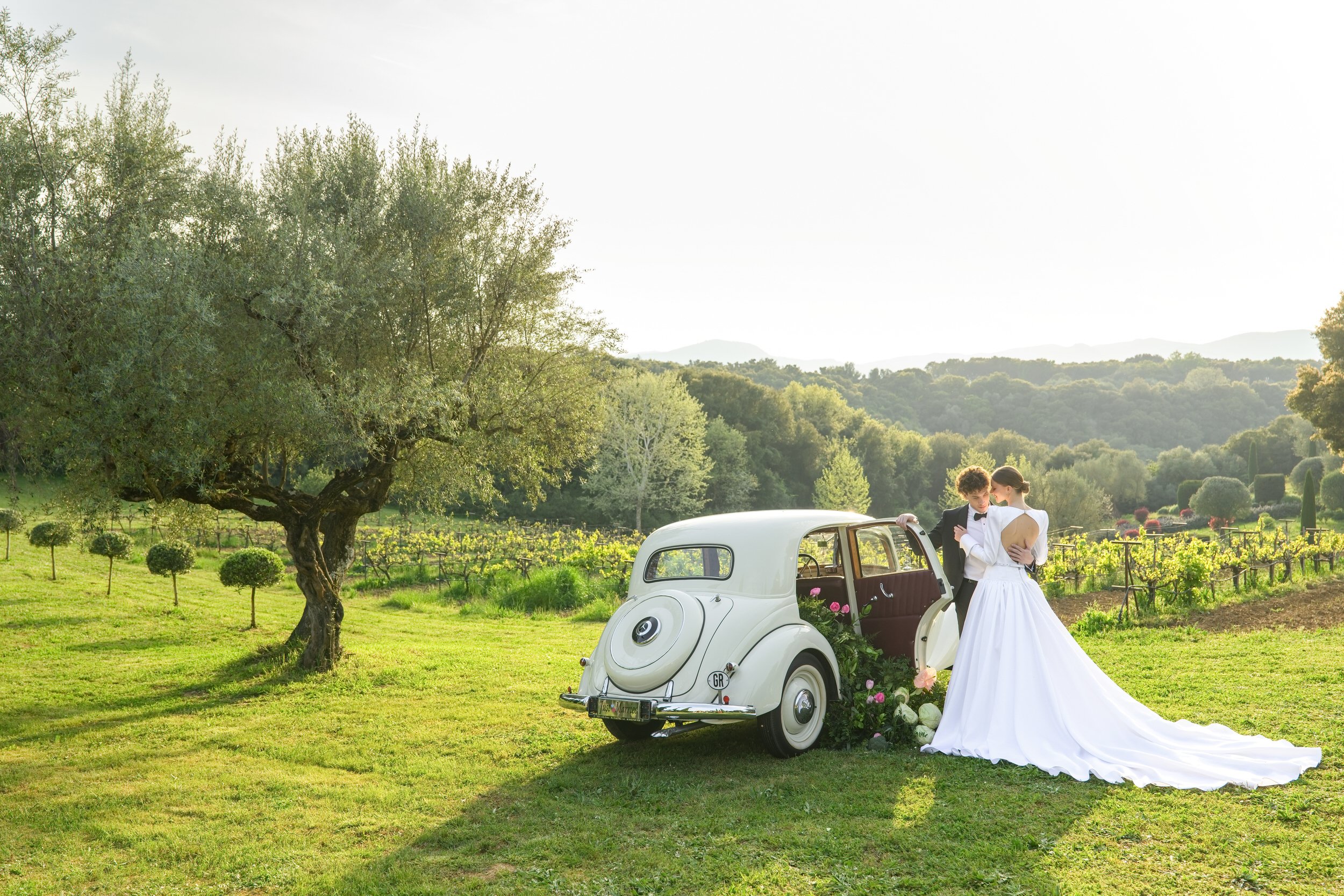
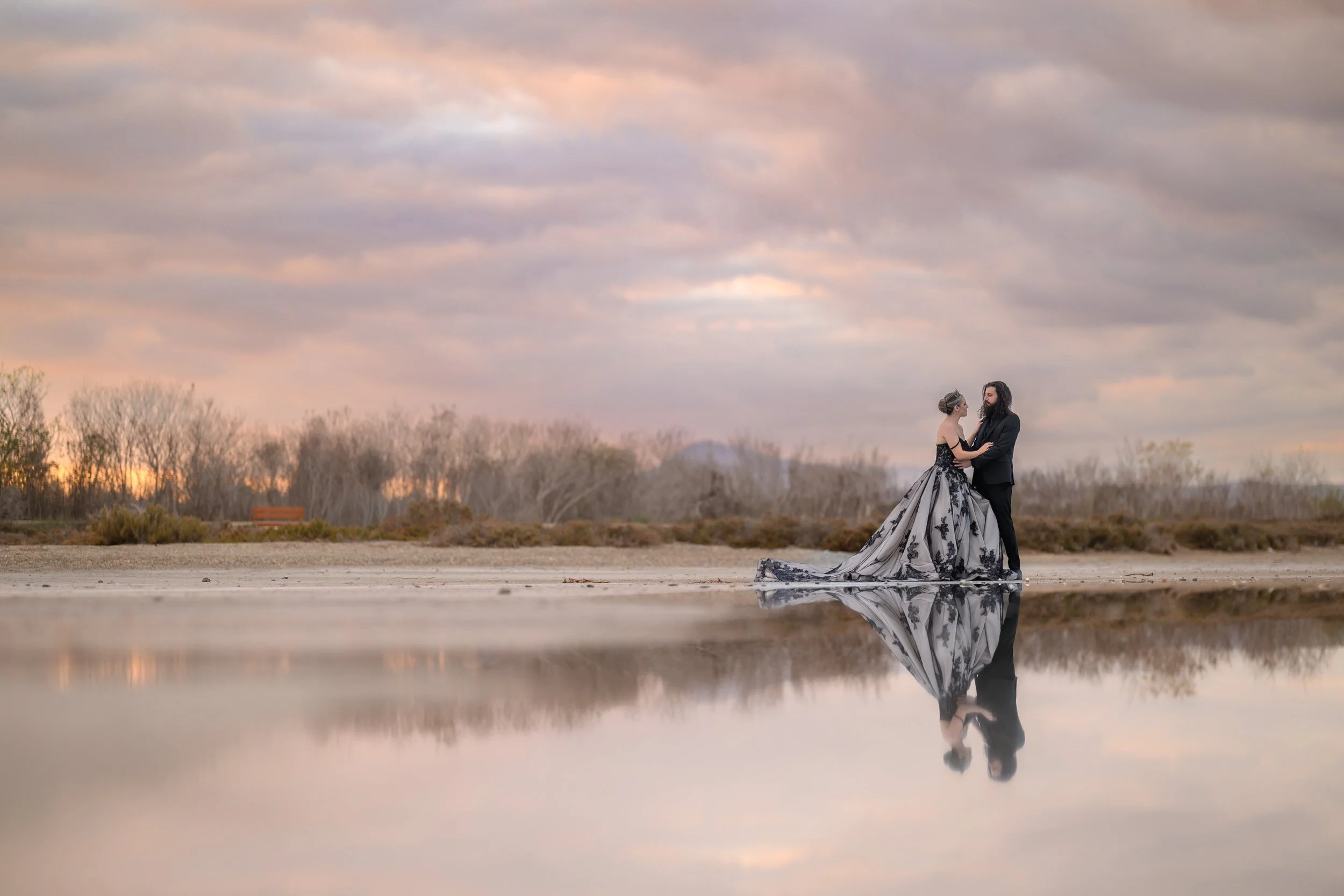
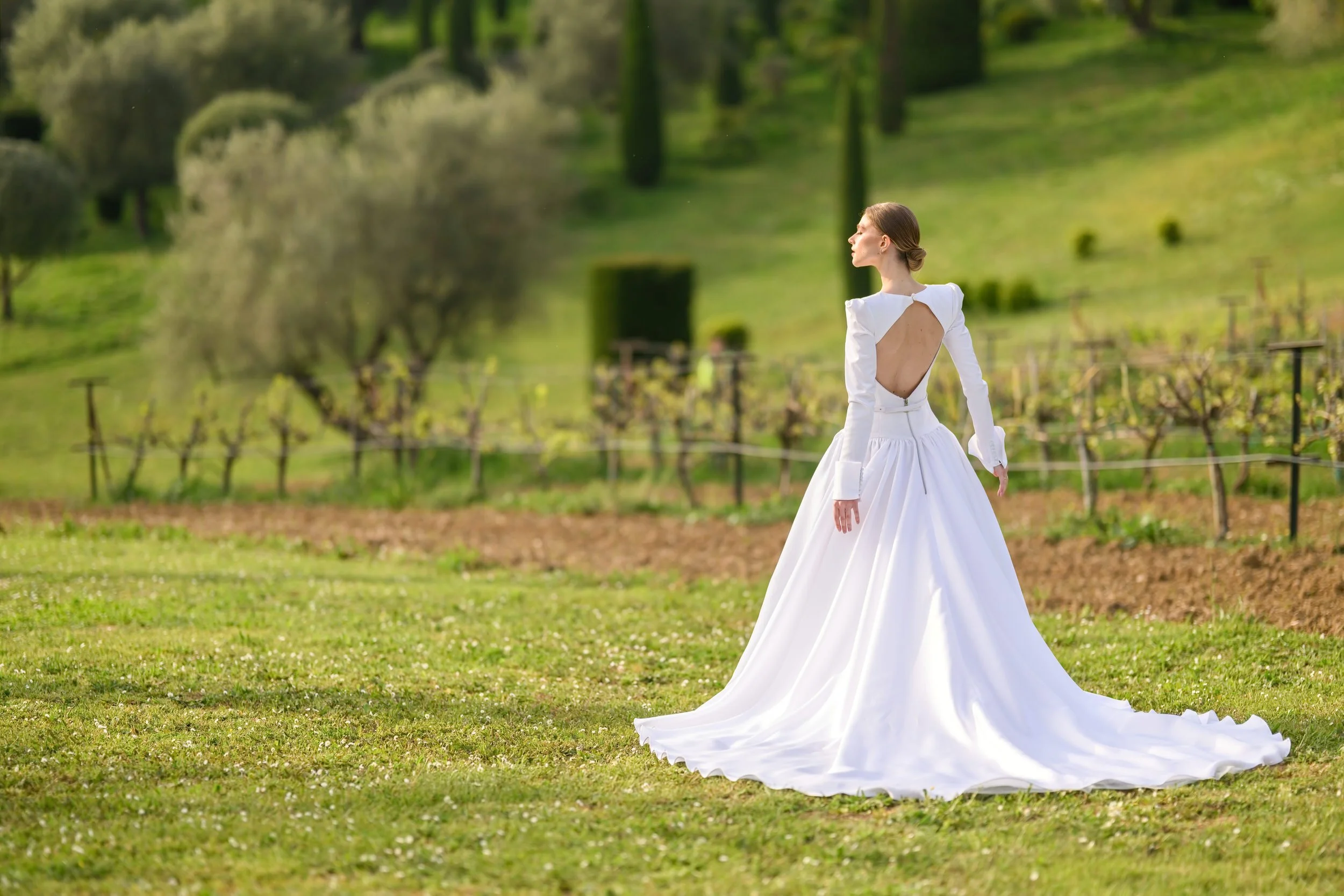
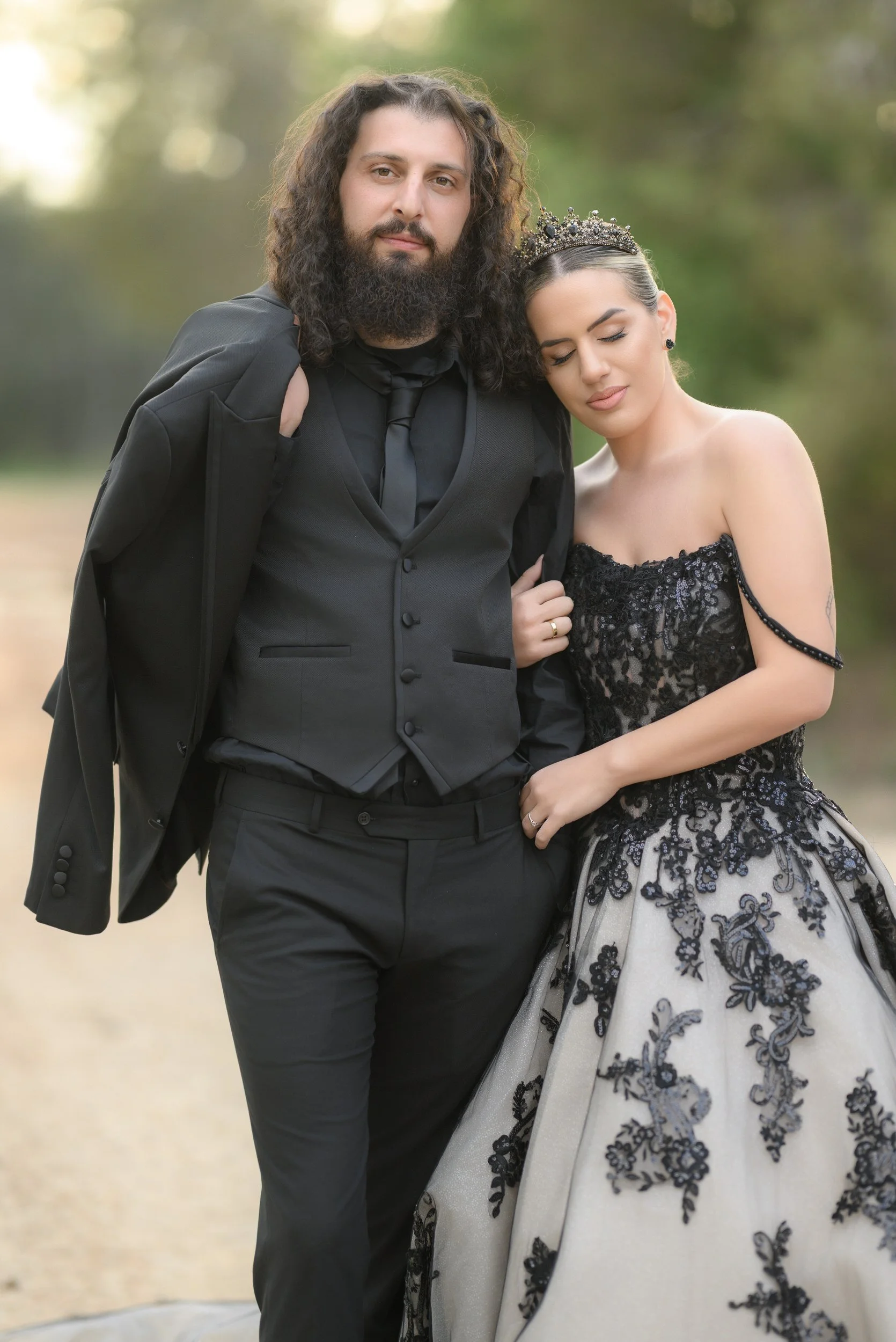
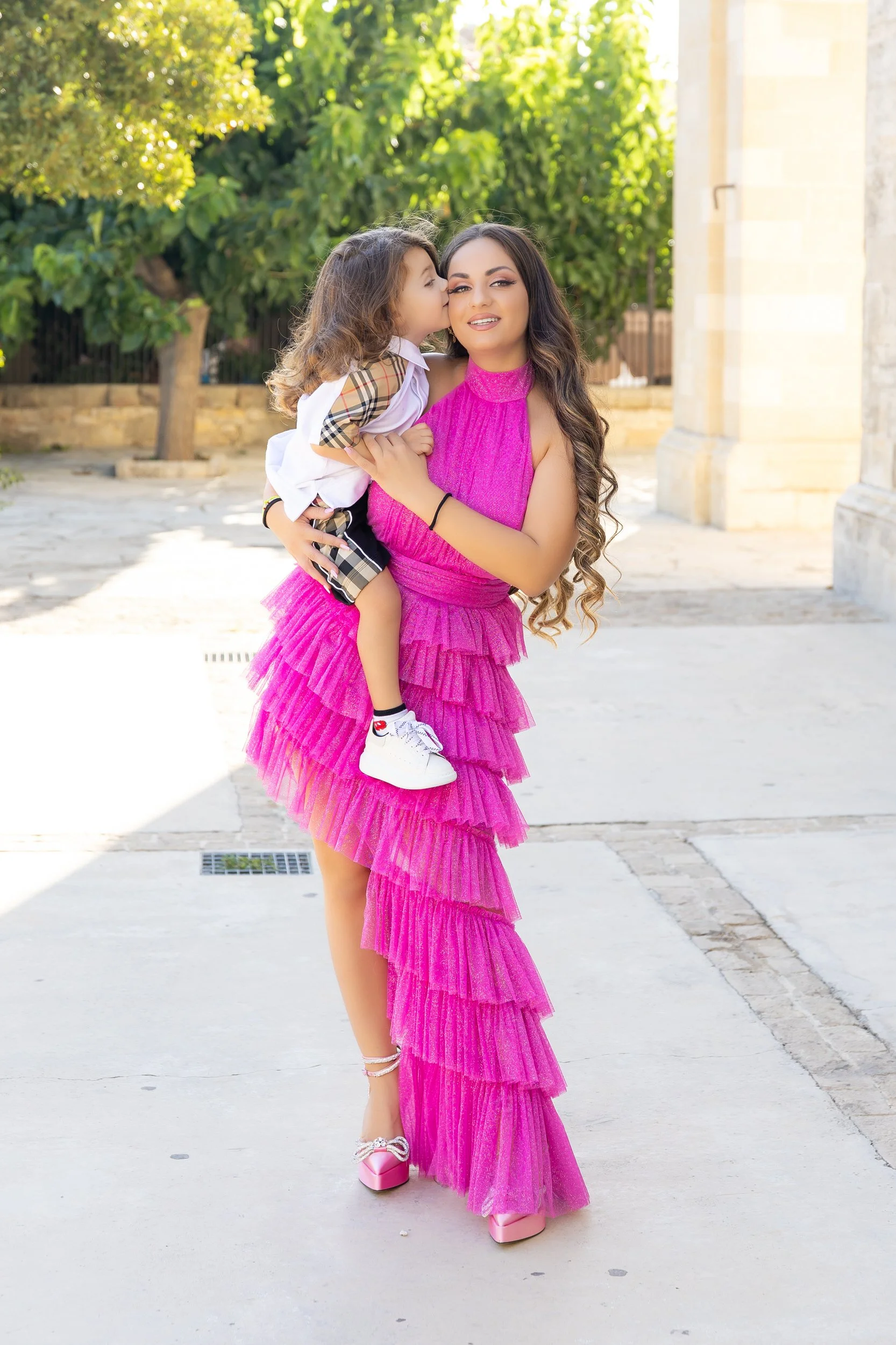
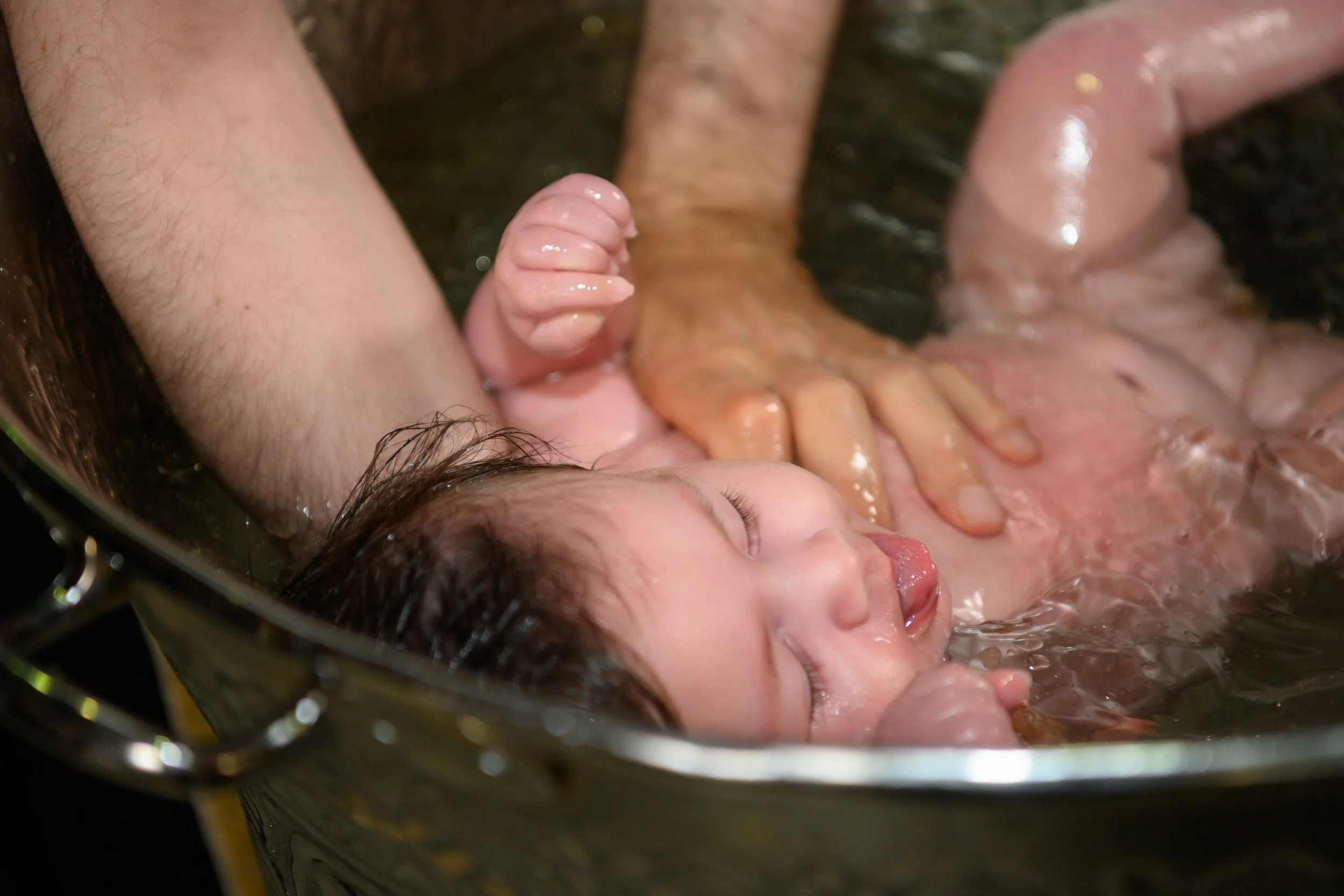
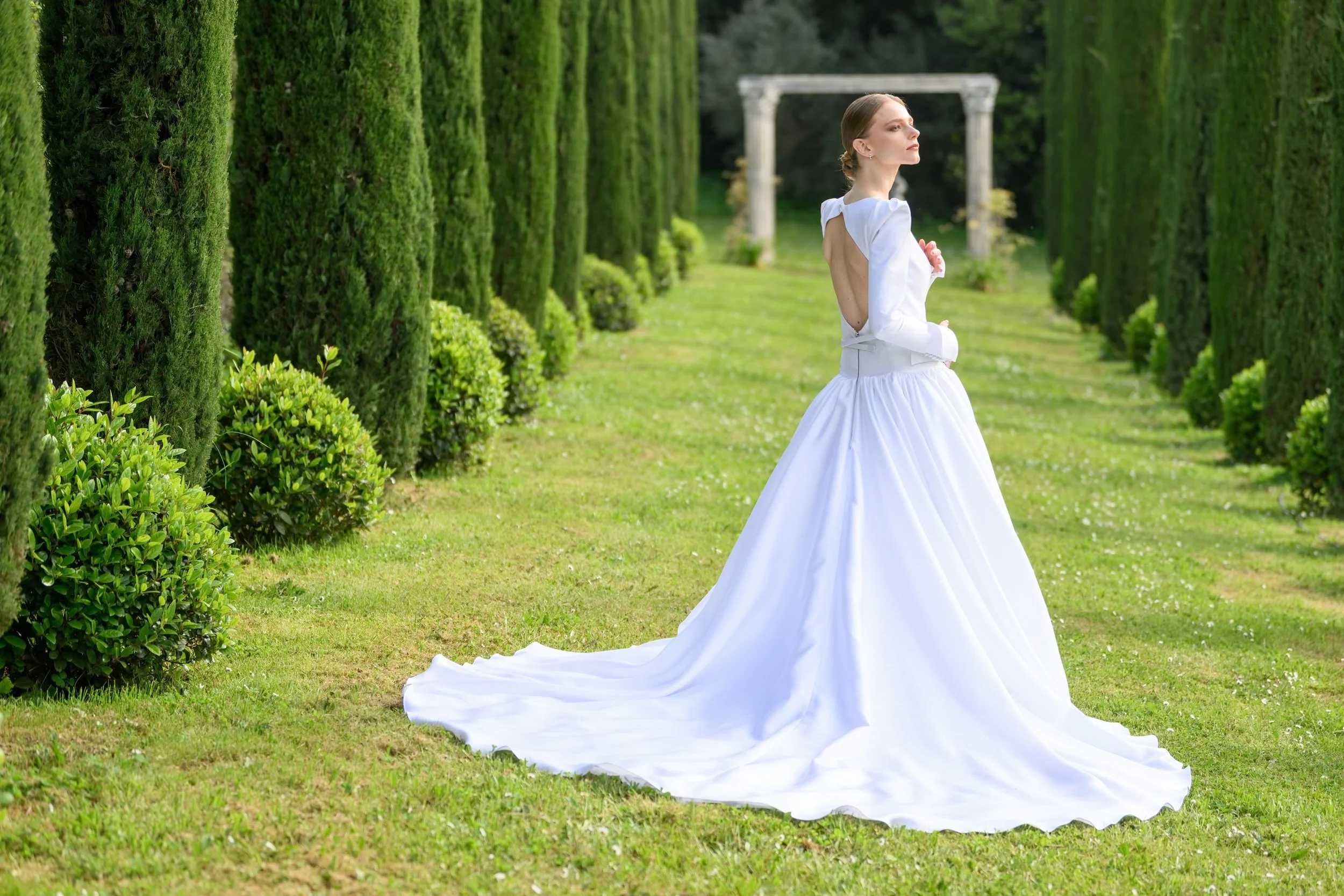
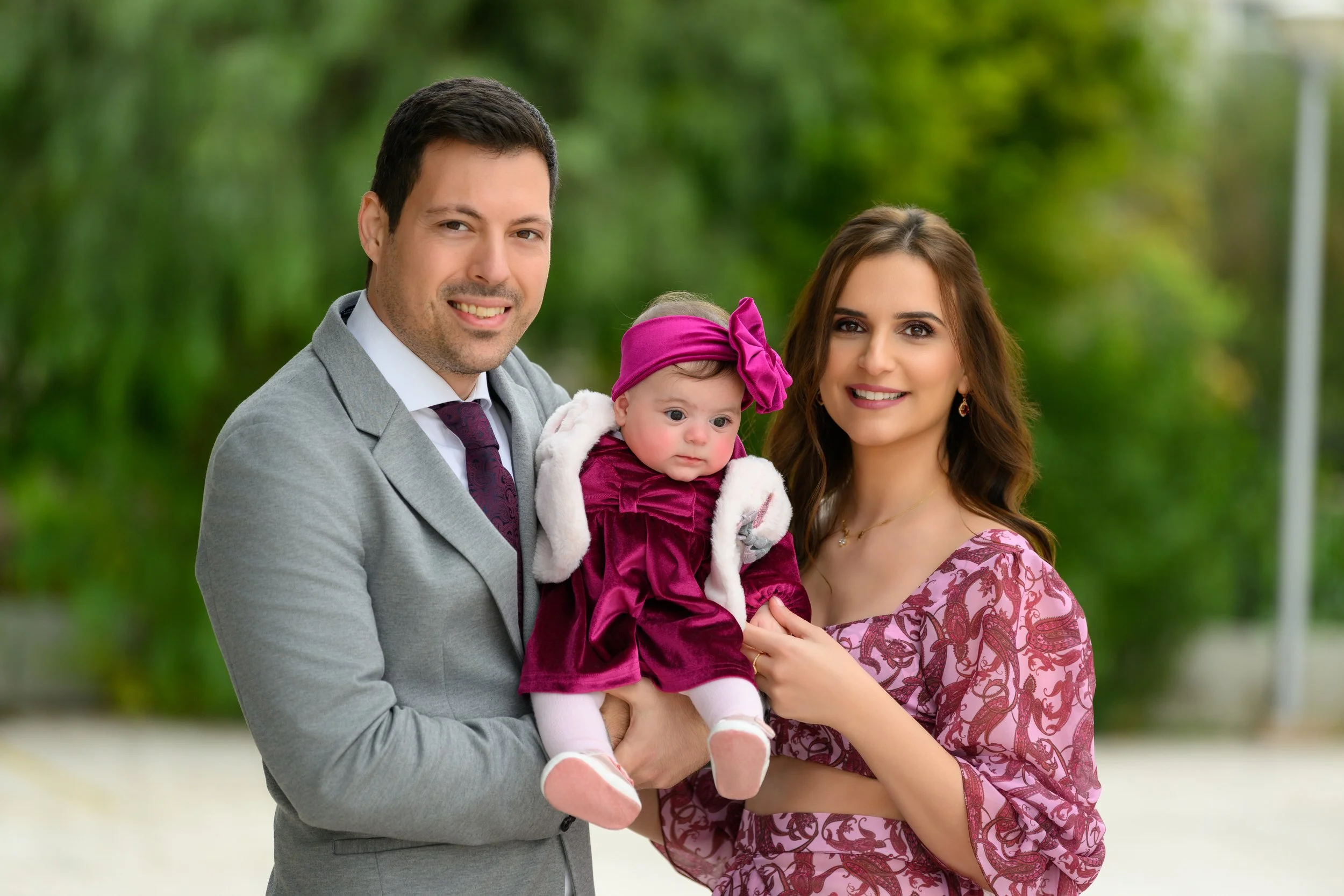
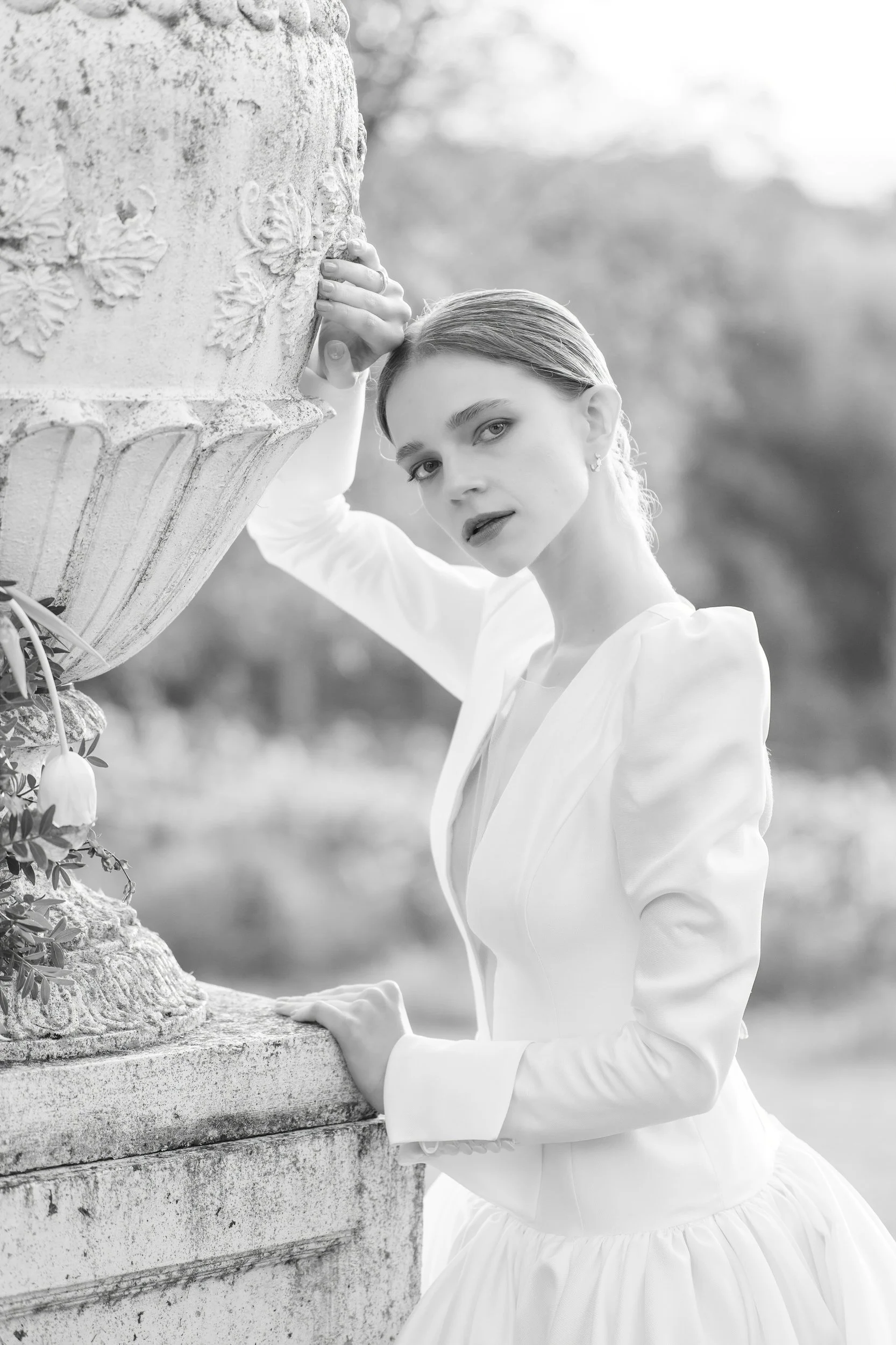
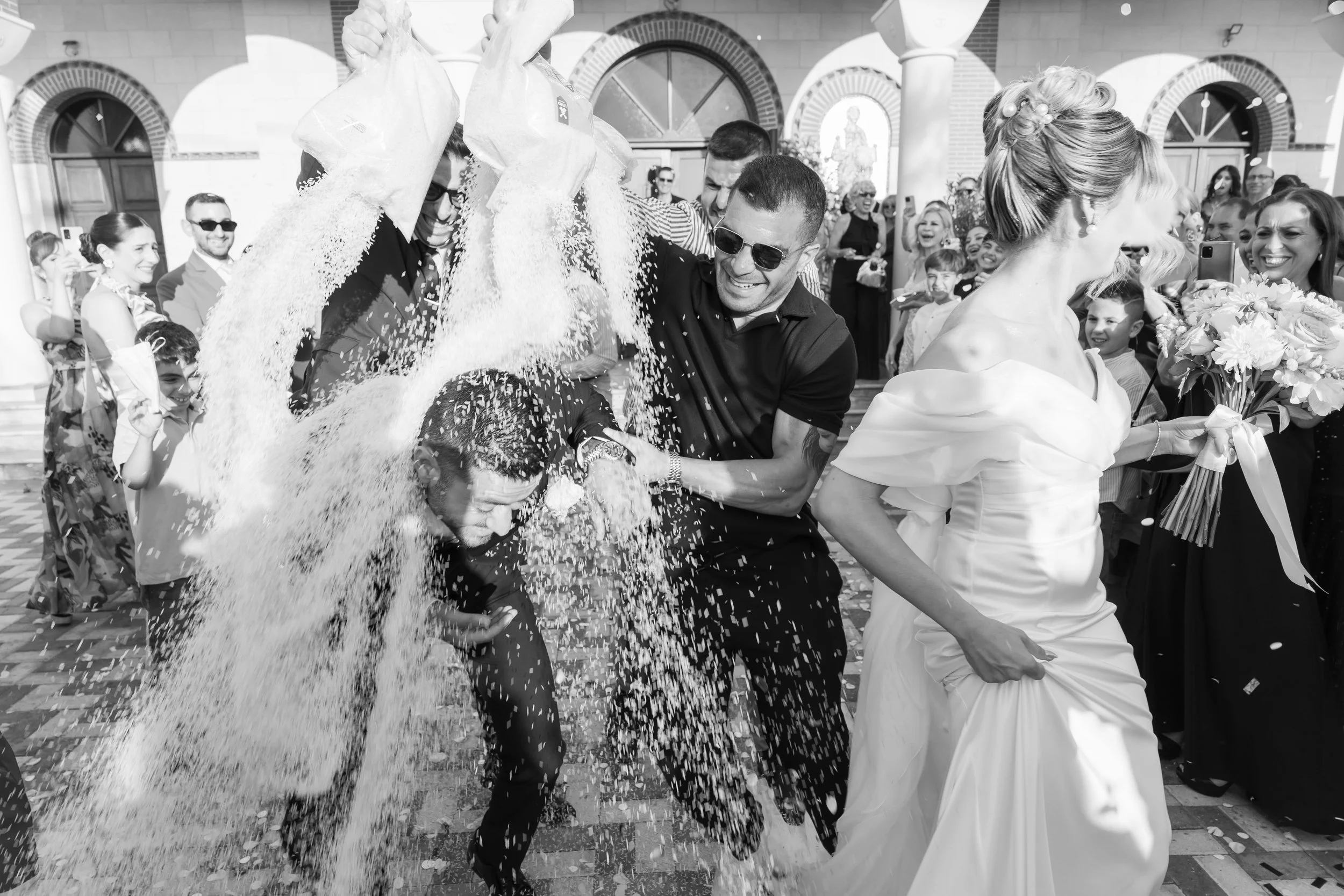
Φωτογραφίζουμε επίσης γάμους και βαπτίσεις σε όλη την Κύπρο και στο εξωτερικό. Αν ετοιμάζετε μια ξεχωριστή ημέρα για την οικογένειά σας, θα χαρούμε πολύ να είμαστε δίπλα σας.
We also photograph weddings and baptisms across Cyprus and internationally. If you are preparing a meaningful day for your family, we would be delighted to be by your side.
Τι λένε οι οικογένειες What families say
Σχεδιάζετε γάμο, βάπτιση
ή ξεχωριστή εκδήλωση;
Planning a wedding, baptism
or special occasion?
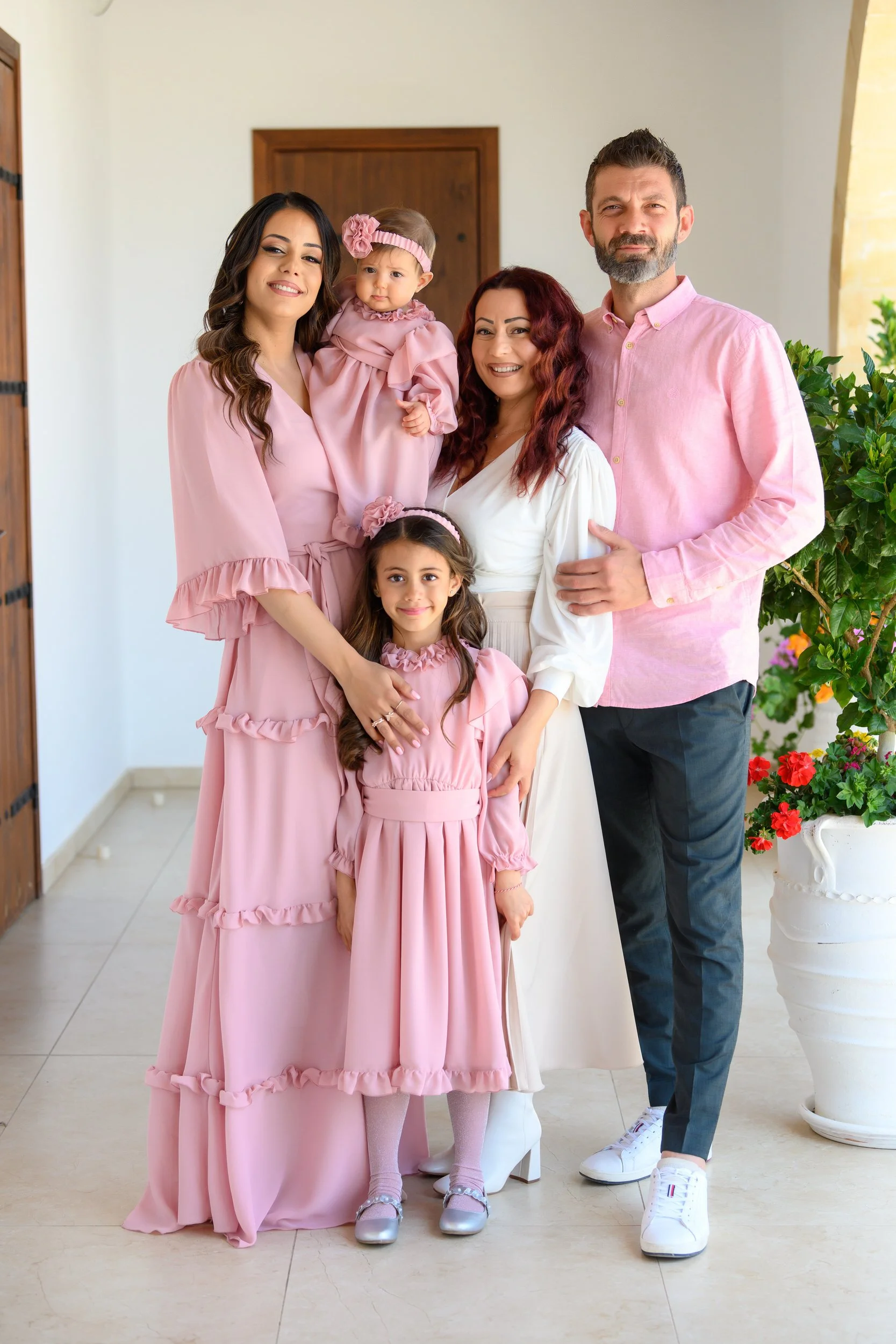
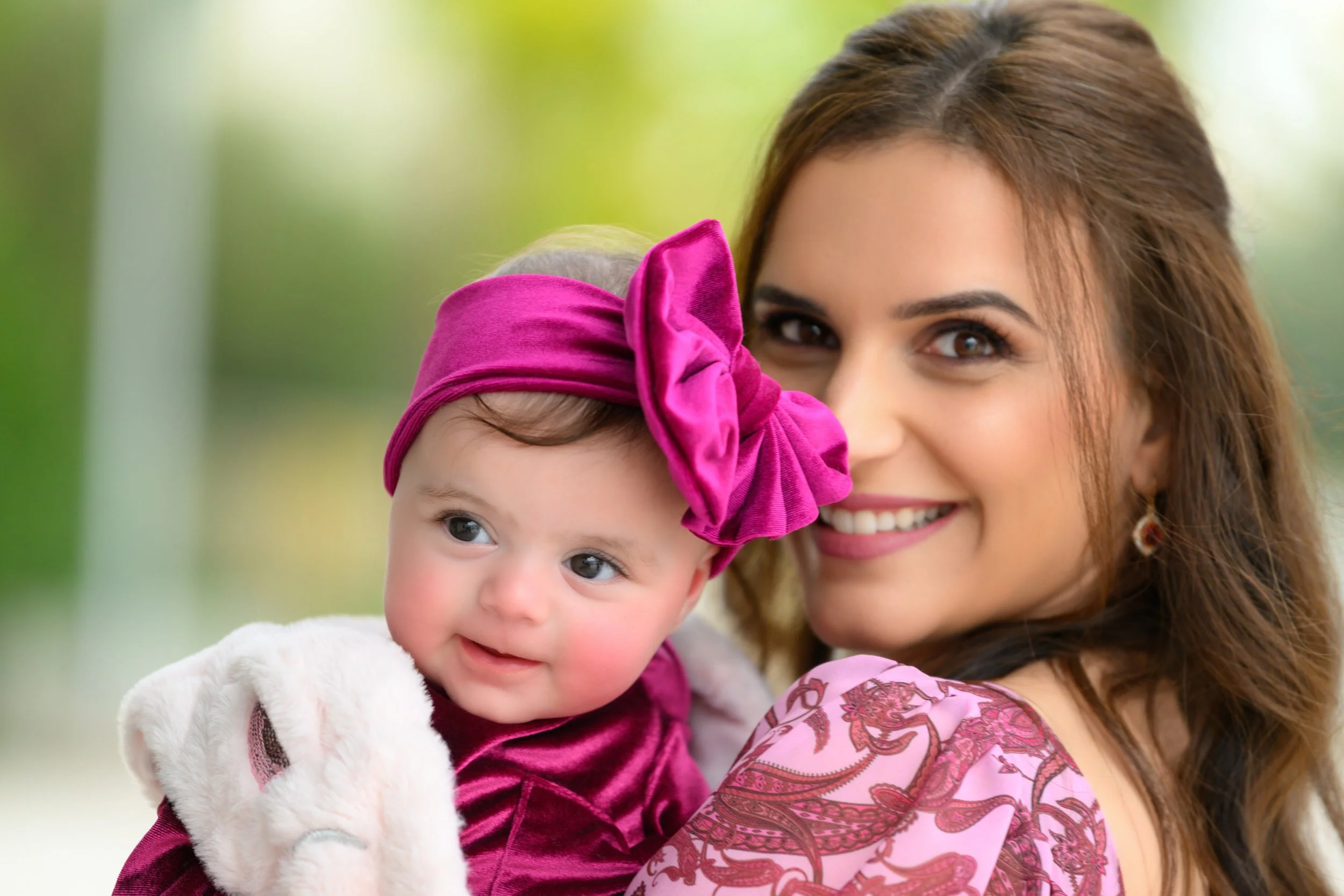
Αναλαμβάνουμε περιορισμένο αριθμό εκδηλώσεων κάθε χρόνο, ώστε κάθε οικογένεια να έχει την προσοχή, την ηρεμία και τη φροντίδα που αξίζει.
We accept a limited number of commissions each year, so every family receives the attention, calmness, and care they deserve.